Showing posts with label doodling. Show all posts

Wednesday, April 3, 2013

Sketchnotes: Visual Notetaking Made Simple

Source: Sketcho Frenzy
We’ve had a lot of interest from teachers at our school about incorporating sketchnotes into their curricula, and we wanted to offer a place to start learning just how simple the process of visual note-taking can be. As mentioned in our previous post, Sketchnoting builds a connection between verbal and visual components. It is a personal form of note-taking that activates the brain in the process much the same as doodling.

Claudine Delfin is the author of the Sketcho Frenzy website that she began as a creative project to help people learn through visual note-taking. In her straightforward video Sketcho Frenzy: The Basics of Visual Note-taking, Delfin explains the fundamentals of text hierarchy, words as images, and the structure of sketchnoting.


We highly recommend visiting Sketcho Frenzy. It provides a wealth of short video tutorials on many different aspects of the sketchnote process including typography, drawing peeps, tree diagrams, and more.

Friday, March 29, 2013

Sketchnotes: Visually Mapping Ideas

Source: Student Work - ASIDE, 2013
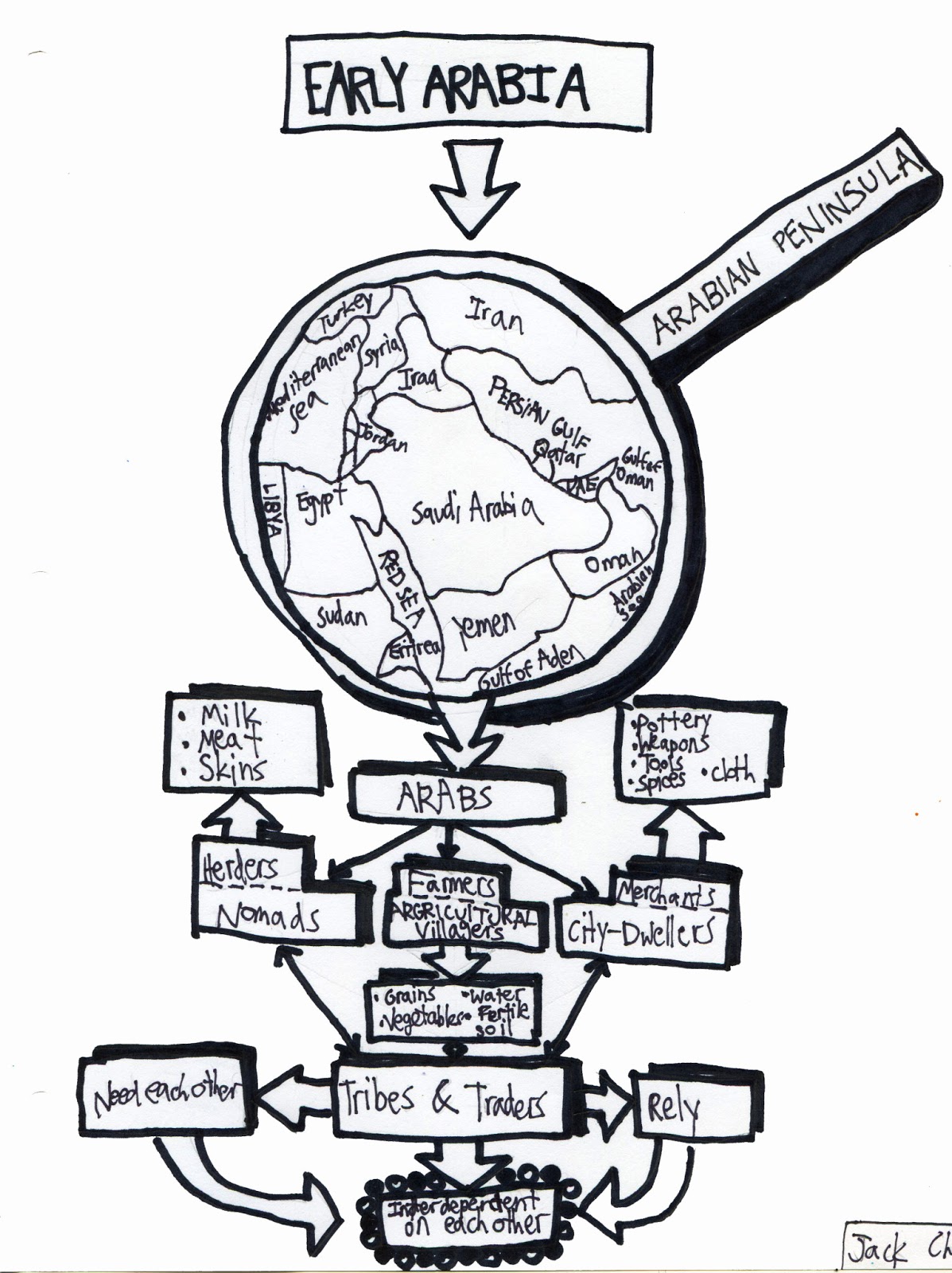
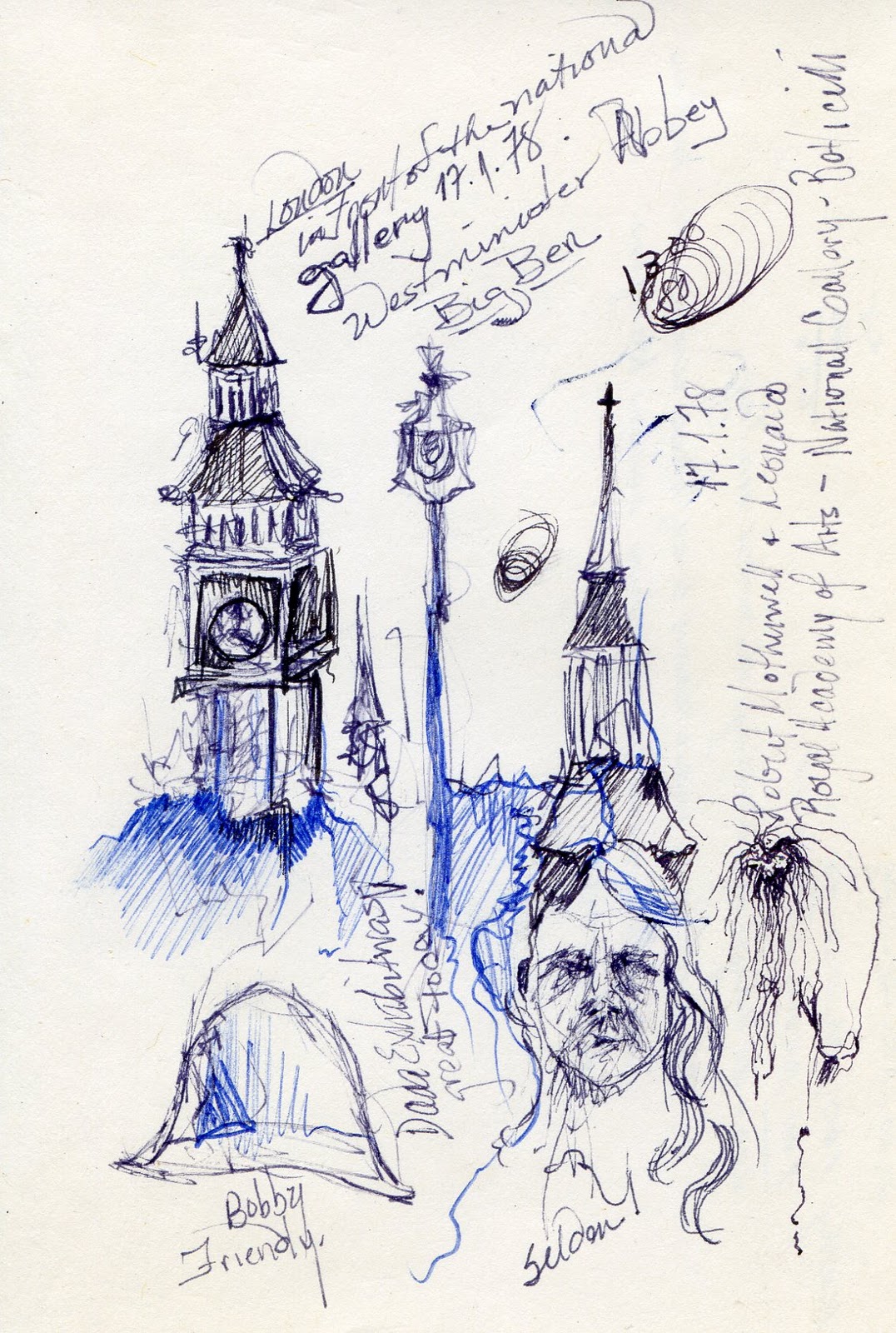
Sketchnotes are a multi-sensory form of note-taking involving listening, synthesizing and visualizing and can make a difference in the way students learn. This year we decided to jump right into using this non-linear approach, and to our surprise the results were amazing on two fronts.

Source: Student Work - ASIDE, 2013
First, the notes were expressive, creative, and personal to each student. It involved decision-making on their part as to how to best layout the information to meet their needs, and the element of choice was evident in their approach. The second, and perhaps the most important, rested in the ability of each student to recall information spontaneously based on the interplay of words and pictures in their sketchnotes. This process helped them to listen carefully to the lesson, to build in visual cues to make connections, and to focus their attention in the physical act of taking notes.

Source: Student Work - ASIDE, 2013

We originally did sketchnotes in pencil and then went over the lines with black marker. Although it was not time consuming, it lacked spontaneity and risk-taking. Students tended to erase because of perceived mistakes, slowing the flow of listening, writing and drawing. Our first few attempts were done this way before we realized it was best just to go for it using marker directly on paper. We were totally pleased with the results, because the focus fell squarely on the collection of information and less on being exacting. Another side benefit was how they shared their sketchnotes with each other, ultimately reinforcing key concepts.


Source: Student Work - ASIDE, 2013
Perhaps the most rewarding thing for us as teachers was when a student looked up at the end of the period with an amazed look at what she had just done and said, "I think sketchnoting suits me." She was right and could explain everything about what was just covered in class using them. It was clear; visually mapping the information made a world of difference for her.

Interestingly enough, a group of students who had done a similar exercise a year before in our early stages of trying to incorporate visualizations actually recalled the information, but they noticed it was done differently. They had tons of questions about sketchnotes and were intrigued to try it themselves. It surprised us just how much designing and visualizing information helped them retain what they had learned, and we realized we were onto something. By giving kids another avenue for note-taking to visually map ideas, it made the content stick.

Wednesday, September 19, 2012

Sketchnotes & Visual Thinking: A Different Way of Note-taking

Source: Craighton Berman, Core77
Recently we had the opportunity to attend the Visual Thinking 101 Workshop with designer and illustrator Craighton Berman at the General Assembly in New York City. Berman started the Core77 Sketchnotes Channel and Coretoons, and he writes about the basics of sketchnoting on his blog.

Essentially, sketchnotes are a form of visual note-taking, combining text and images. This is different from graphic facilitation, which is when one person listens to a group and graphically represents the key points of the discussion, such as with ImageThink and Ogilvy Notes. To the contrary, sketchnotes are a personal form of note-taking. Both, however, use the visual thinking process to design information in real time through words and images to communicate ideas.

Source: Craighton Berman, Core77
In most schools today, the current system of note-taking is a linear process and, in many cases, a rote process as well. Too often, we have students take down the information they need from the board, interactive or not, via handwritten information or PowerPoint slides. The interaction or engagement with the material is minimal. Sketchnoting is a higher order process of capturing information. It requires a combination of listening, thinking, and visualizing at the same time. It goes in a constant circular motion and pushes the listener to funnel through the information for the most important parts or patterns. By filtering out the noise, the sketchnoter learns to look for patterns or an anchor around the main idea to focus on the key aspects that support it.
Source: ASIDE, 2012
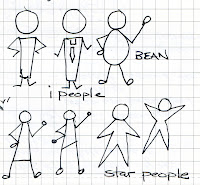
In the workshops we've taken, the instructor had us practice by listening to a recording or video. Of course, the first line of resistance might be "I can't draw," but with sketchnotes, you don't need to be an artist. It doesn't take much practice to learn the basics of using shapes as people, and with simple, hierarchical visuals, it's easy to add images in the form of containers, icons, or connectors.

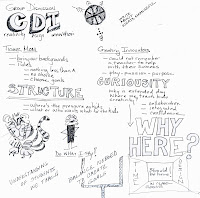
The visual cues in sketchnotes enhance the recall process. The user experience with information is broadened, execution is minimal, and it opens up the design process to think about the relationship between the text and image. Essentially, it's about organizing information visually and arranging it in a hierarchy, and this spatial arrangement of information provides a structural framework for the content.
Source: ASIDE, 2012
Since we've sketched out "The Axis of Education" as a matrix for what and how we teach, our hope is to continue to seek ways to build a sense of discovery in helping students learn. And in the end, what they learn and how they learn can only be advanced by giving them more opportunities to be creative thinkers. If moving them closer to thinking like a designer can transform the way they learn, then sketchnotes is one option we should try.

In the larger sense, Craighton Berman's visit to New York coincided with the launch of the School of Visual Arts inaugural Products of Design MFA Program, which hopes to transform designers by:
"educating their head, heart and hands to reinvent systems, create new types of value, and catalyze positive change through the business of making." 
We dare say, isn't this what we want as educators for our students, too? From icons to iPads, our students are constantly immersed in using visual cues to think, make, and do things.
Source: Craighton Berman, Core77

Saturday, May 19, 2012

ImageThink: Graphic Facilitation & Big Ideas

Source: ImageThink
We recently attended the hands-on workshop given by ImageThink on graphic facilitation at the New York Peace Institute in Brooklyn's Mediation Center. Nora Herting and Heather Willems founded ImageThink and were the instructors for event. The makeup of the participants were from a variety of different professions who came together to learn how to “picture your big ideas” through the graphic facilitation process. This also made for a diverse sharing of ways we planned to use it in our own work experiences.

The roster of activities for the day provided a variety of approaches to the process, including graphic recording, drawing with the whole body, learning to listen, and more. Since so much of it was hands-on, the participants were able to get a real sense of what it takes to graphically produce notes in a non-linear way. We worked on large white paper, 48 inches in width and 8-10 feet long. After each lesson we discussed how we arrived at our image boards and received constructive feedback from the instructors.
Source: ImageThink

Using this method changes the view of the information. Essentially, graphic facilitation records ideas as they are being said. To do this effectively requires good listening skills to focus on the main idea and key points of the presentation to parse the necessary pieces of information to communicate ideas. In other words, the content is designed visually to make connections using words, images and numbers. It was also quite clear that it would be difficult to graphically facilitate a meeting and run it at the same time, and it came as no surprise that many of us wished we had had another day to learn even more. The following is a video demonstration from ImageThink showing how graphic facilitation works.


As teachers, we could also see that the process, although not complex, would require practicing before asking students to try it. Listening to audio such as a TED talk and then trying to graphically represent what is being said is a good place to start. Another exercise to help practice the process is to convert a standard PowerPoint presentation into a single page graphic summary. The added value to using this with students is the ability to present information clearly and concisely. It's also a creative and engaging way to help kids focus by captivating the content in a visual way. 

Headings, color, and size impact how the ideas are communicated, and the relationship between the words and images begin to rise to the surface. The ideation that sometimes starts in the minutia moves front and center, and the higher level points become actionable. To have kids use this method to graphically represent content will help train them to visual think about the key components of a topic. After all, don’t we constantly talk to them about figuring out the main idea and supporting details? Well, graphic facilitation is just another way of doing it.
Source: ImageThink Gallery
The ImageThink website is loaded with resources to help teachers get started. You can also follow them on Facebook and the Twitter hashtag is #ImageThink.

Thursday, January 12, 2012

Doodling & Visual Thinking: A Case For Paper

Source: ASIDE, 2012
In our point-and-click world, especially for our born-digitals, have we moved too far away from the tactile approach to learning? Oh sure, we can swipe an iPad and move things around on an interactive whiteboard; heck, we can even brainstorm and mind-map using Web 2.0 tools. But what about the good old making-it-with-your hands approach? We’ve seen kids who are terrific playing archery on the Wii, but who cannot follow simply directions for physically holding a bow, because they don’t get to touch that stuff often enough.

That’s why making a case for doodling seems so important to learning. Doodling with a pen, pencil, or whatever instead of a mouse, stylus, or finger is different. The sheer act of making something with your own hands changes the way we look at things. It is also permanent in a different way. On electronic devices, creations can be saved, but you have to turn them on to see them. On paper, you can leave a doodle visible to live with, think about subconsciously, or change immediately because you notice something in a fleeting moment. They say inspiration is lost if not captured. Artists do this all the time. Their studios are filled with finished and unfinished work.

Source: DanRoam.com
Doodling is a way of thinking, of designing information around a thought process. We work with students as educators to pre-write, revise, edit and publish. Why not try having them doodle vocabulary words, or what it would look like to hunt buffalo by the Plains Indians? Best-selling author Dan Roam uses drawing to work with some of the biggest companies in the world. His books The Back of Napkin: Solving Problems and Selling Ideas with Pictures and Unfolding the Napkin: The Hands-On Method for Solving Complex Problems with Simple Pictures are international best sellers.  His latest book, Blah, Blah, Blah: What to Do When Words Don't Work, continues his philosophy of balancing the world between "the fox and the hummingbird" for what he calls "vivid grammar." In other words, he urges us to be double-minded, using both verbal and visual connections. Roam uses visual thinking to spur creativity and innovation. Isn’t that what we want for our students?


Be Double Minded from Dan Roam on Vimeo.

Too often, we associate doodling as a distraction or not paying attention. Is it? Not according to the studies. Check out our earlier post on Sunni Brown and her CNN interview “What We Learn from Doodles.” Doodling can actually lead to improving cognitive performance, increasing retention of information, and engaging and motivating students in a more meaningful way. To doodle quietly while listening to information can make it easier to concentrate. In other words, it can take away the distractions.
Source: Sunni Brown: Doodlers, unite! TED Talk
Take a look at Vi Hart’s Math Doodling videos with titles such as Binary Trees, Snakes + Graphs, and Infinity Elephants. These lively videos demonstrate how doodling can be an engaging form of learning. What an innovative and creative way to explain math concepts to help students learn.

Information today is not linear but fluid and organic. So is doodling. It allows for the design of images and words in a different way from the traditional model of organizing content. Planning a lesson built around doodling might just yield results that surprise us. It’s worth a try, isn't it?

Source: ASIDE, 2012
For the techies out there, see our earlier post on Doodlebuzz, the news aggregator for the visual thinker. It is anything but linear. And, if you really have an aversion to paper, try using doodle.ly during a meeting or conference to keep you thinking while doodling.

No matter what your preference, the process of organically taking information on a spontaneous path through doodling can lead to new discoveries and ideas. Remember, doodling is not as the modern definition suggests:

Source: Sunni Brown, Doodlers, unite! TED Talk

Thursday, November 3, 2011

Doodling the News with DoodleBuzz

Arguably there are many news aggregators available today to use in the classroom, perhaps even too many, but selecting from those that have a unique way of presenting information allows students to think about the news from a different vantage point. As we mentioned in a previous post, Newsmap was one of our favorites. It helps students with the skills of decoding information based on size, frequency and proximity of events, as well as helping them learn to look at the news at a glance to make connections between currency and importance.

Created using DoodleBuzz


We recently started using another news aggregator called DoodleBuzz. This is no ordinary amalgamation of information based on a selection of criteria, organized into a pre-determined display, such as Newsmap. Although Newsmap presents the information from Google's news aggregator in an efficient, eye-catching way, it is still linear in nature. DoodleBuzz is anything but linear and bills itself as a typographic news explorer. It's designed to lead the viewer to explore information in an organic way through chance and discovery.
Created using DoodleBuzz
“You may start at Iraq but end up finishing on Britney, whilst taking in The Catholic Church, Global Warming and 50 Cent.”
Essentially, DoodleBuzz provides you with a blank canvas for drawing. To start, open DoodleBuzz, type your search term, and click go. For your results, simply doodle any shaped line you like to layout the information for your news journey. As the mouse rolls over each line in the results, the title turns red and becomes enlarged. To see an excerpt of the article, doodle a line from the title. Click on the excerpt to be taken to the original source of the full text article. Holding down the space bar lets you see your original map, and clicking toward the edges of the black square will bring back areas out of view, much like using Google maps.

The one thing to remember when using this with students is that it’s supposed to be a fun way to explore the news and not a search to a specific event. A good place to start is to give all students the same search term, but let them design the path they want to take. Invite them to share their findings as a way to demonstrate the connections they took in looking at the news.

DoodleBuzz is the dream aggregator for the visual thinker and relates to what we featured in an earlier post on learning by doodling with Sunni Brown. The process of organically taking information on a spontaneous path can lead to new discoveries and ideas. Using DoodleBuzz with students can allow them to journey through the news to make personal connections that they might not have taken if done in a more linear environment. It allows them to change the way they think about information by the sheer nature of how they draw their lines to extend their search.

Created using DoodleBuzz


Brendan Dawes is the creative designer behind DoodleBuzz. He explores the interplay of people, code, design, and art in his work. His website features an eclectic mix of digital and analog objects, including toys and projects. DoodleBuzz is also part of the recent Talk To Me exhibition at the Museum of Modern Art.
Related Posts Plugin for WordPress, Blogger...


Pin It